From Arcade Plans to Reality
When I first picked up a Raspberry Pi 4 with 8gb memory, the goal was to build a MAME-based retro gaming setup. It worked great, and I even thought about continuing and building a full-on MAME cabinet. But that idea faded quickly once I realized how much easier it is to just run the same emulator games on my main computer.
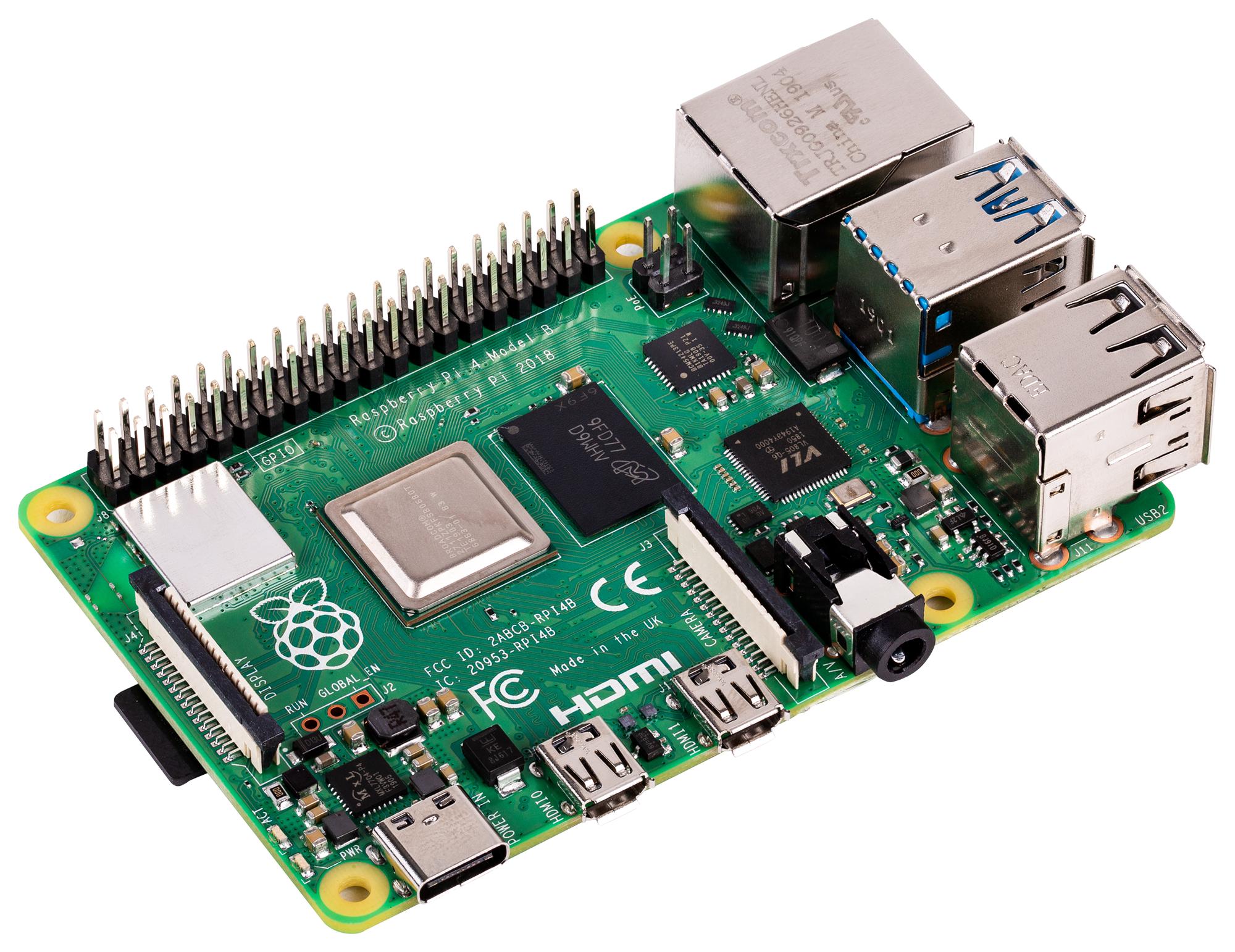
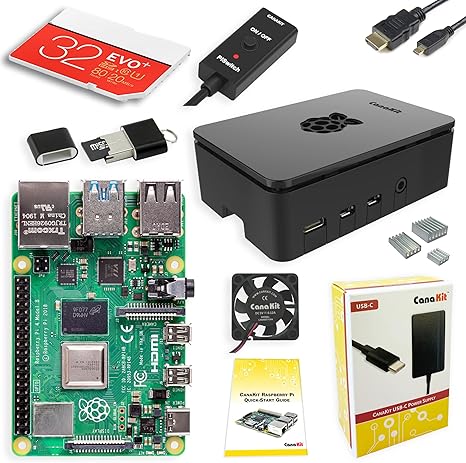
I got a CanaKit starter kit which comes with everything needed to startup and have a small home server. I've literally just placed it out of the way down in my basement. It uses my Wi-Fi connection, so I just needed one power-plug.
Finding a Practical Use
Instead of letting it sit unused, I turned it into a lightweight always-on server running Debian without a GUI.
Building Out Services
This Pi became the foundation for everything else in this setup:
• OpenVPN for secure remote access
• Jellyfin for media streaming
• Samba for network storage
• Pi-hole for network-wide ad blocking
Headless and Always Available
I manage everything via SSH from my Mac, keeping the system lean and reliable.
Why It Works
The Pi isn’t powerful—it’s consistent. Low power draw, silent operation, and perfect for always-on services.
Where It Goes Next
Each piece of this setup builds on the last. You can dive deeper into each service:
• VPN Setup
• Media Server
• Network Storage
• Network Filtering